How do I purchase a bot hosting package from you?
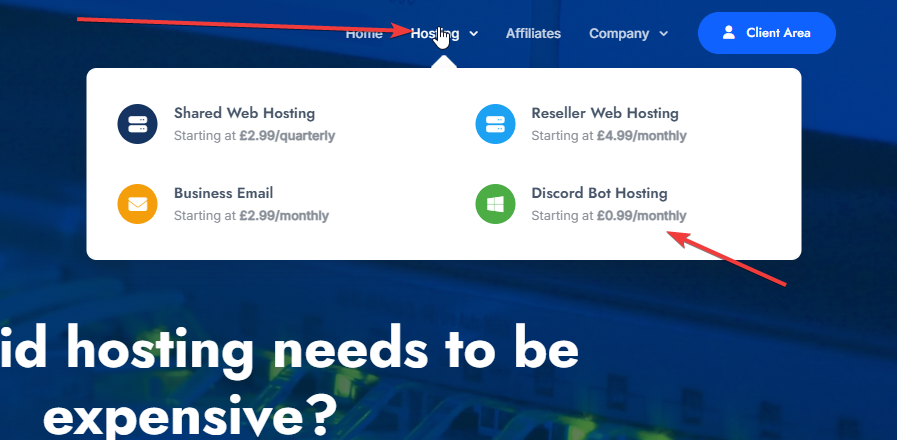
- Head over to our website and on the menu bar, click on "Hosting" followed by "Discord Bot Hosting". For reference, see the image below:
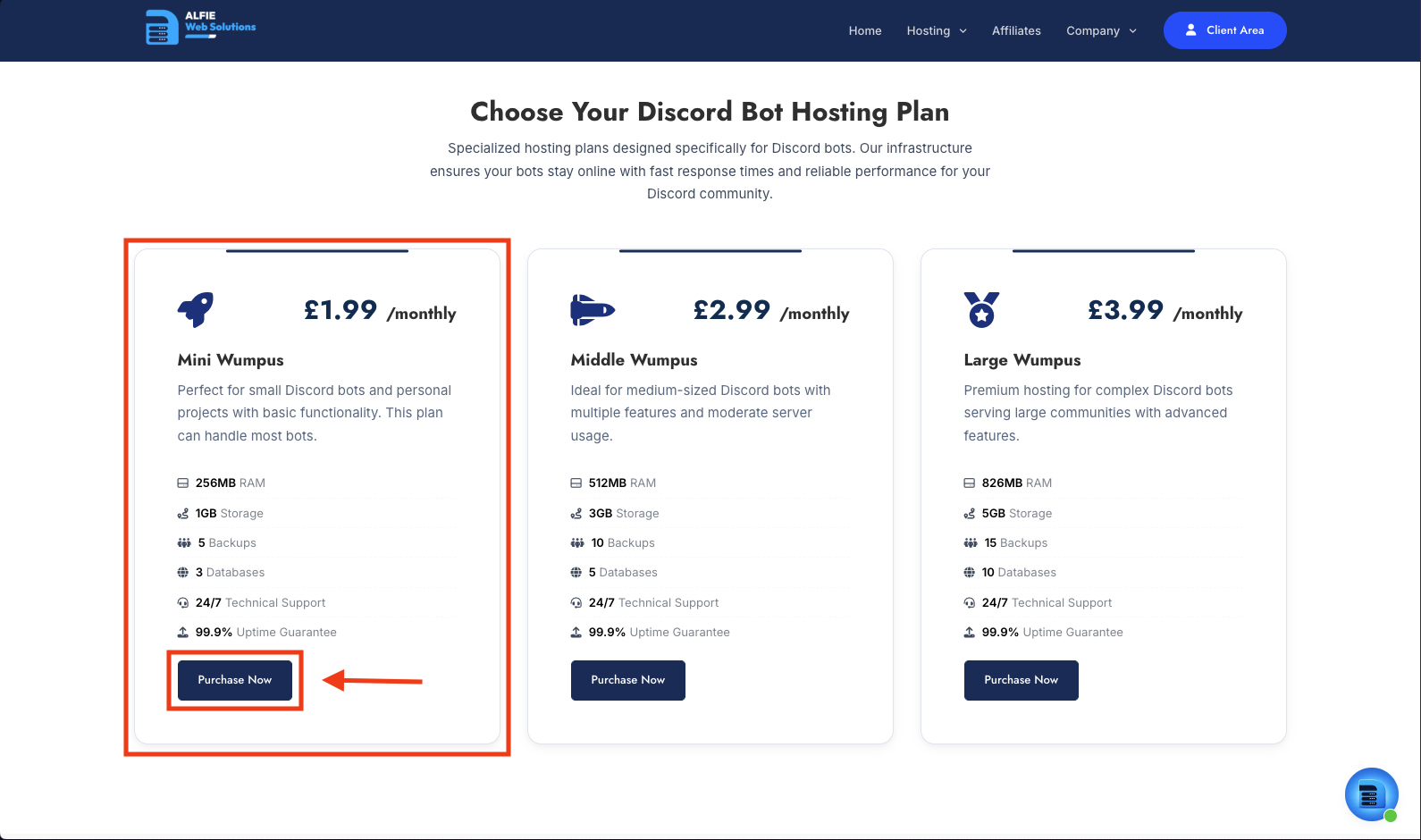
- Scroll down on the page, select which plan you would like to go with. For this example, we will use Mini Wumpus. This plan is fine for most bots. Once you have selected which plan you would like, go ahead and click Purchase Now.
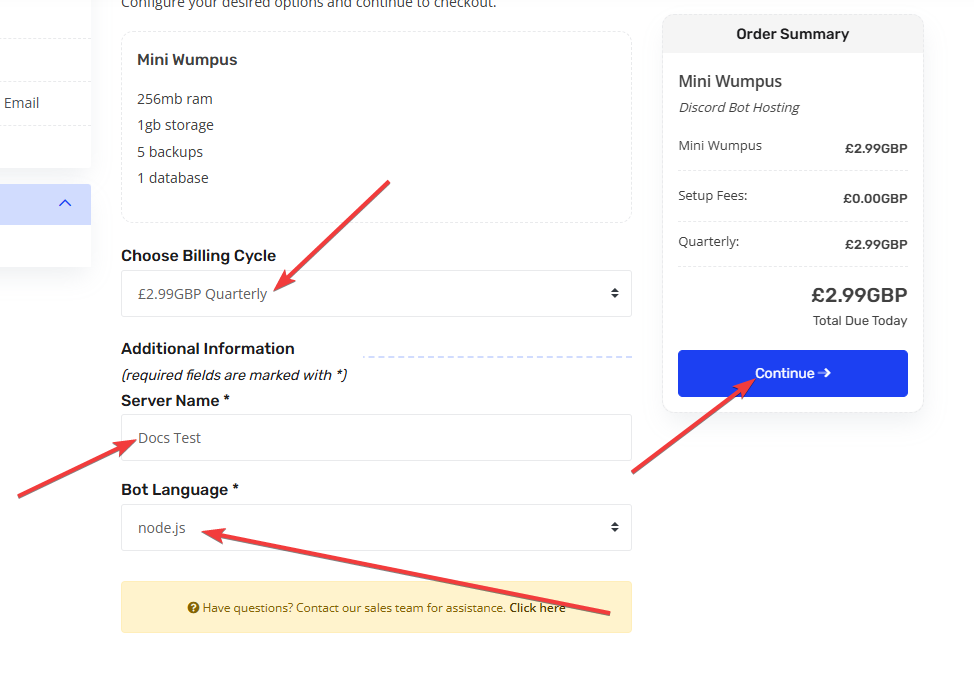
- Now you have arrived at our billing portal, go ahead and select the type of billing term you would like to use. Then enter what you would like your bot to be called in the "Server Name" field. Furthermore, select your bots language, we offer node.js, java and python. Then click continue. For reference, see the image below:
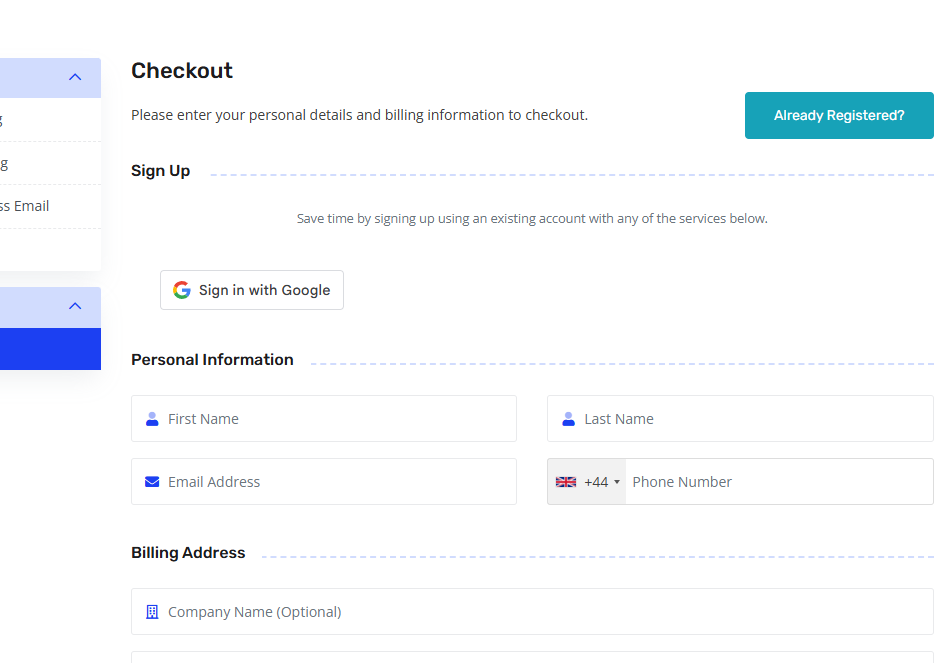
- Now you have your order in your cart, go ahead and click "Checkout". Then enter your name, billing details, card information. Accept our terms of service, then click confirm order. For reference, see image below:
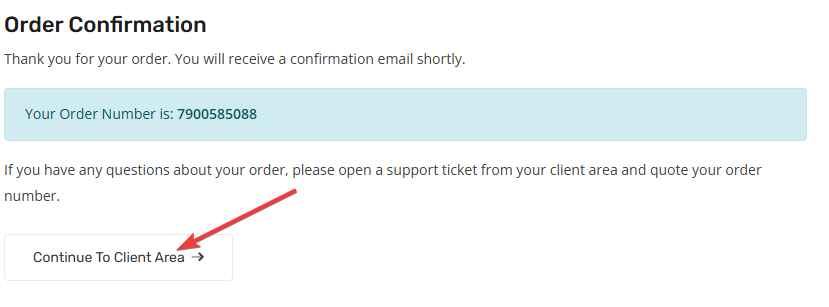
- Your order will now be confirmed, you will see a screen with an order conformation. You can now click on "Continue to client area" to explore our client portal, see further services, contact upport, etc. For reference, see the image below:
-
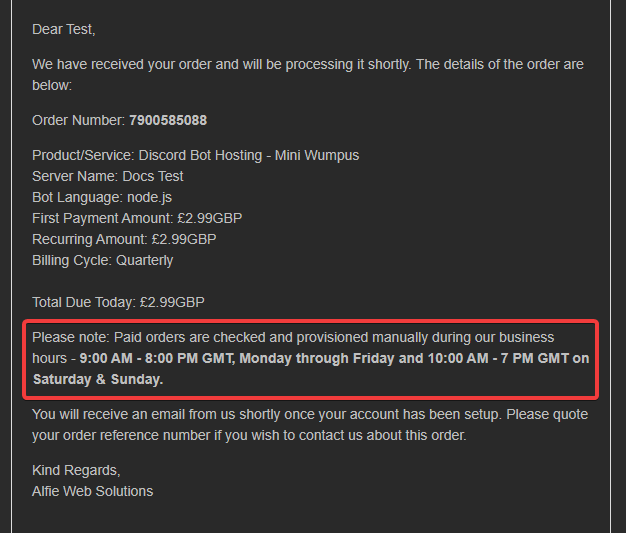
You should also get an email with your order conformation, this ha all the details you need to know about your service renewal. Please note this as shown in the email: Paid orders are checked and provisioned manually during our business hours - 9:00 AM - 8:00 PM GMT, Monday through Friday and 10:00 AM - 7 PM GMT on Saturday & Sunday.. For reference, see the image below:
-
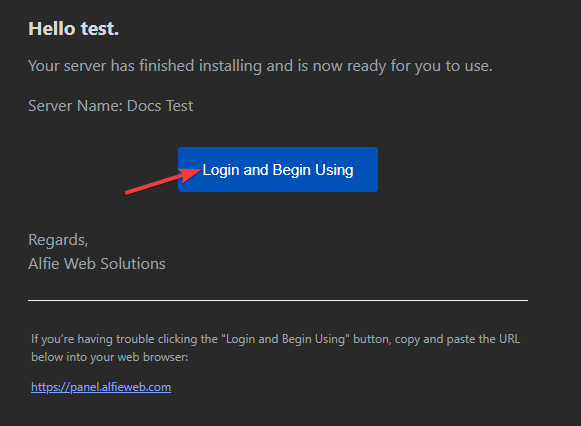
Once your order has been approved, you will get an email stating You will shortly get an email from our panel with a login. Kindly follow the instructions provided to access our panel. Once you account has been created, you will be able to access your Bot Hosting Server.. Following that email, you will get an email from our panel with a login to your panel. If you have already had bot hosting before, you will not get this. After this, you will get an email saying Server Installed. Go ahead and click "Login & Begin Using". For reference, see the image below:
-
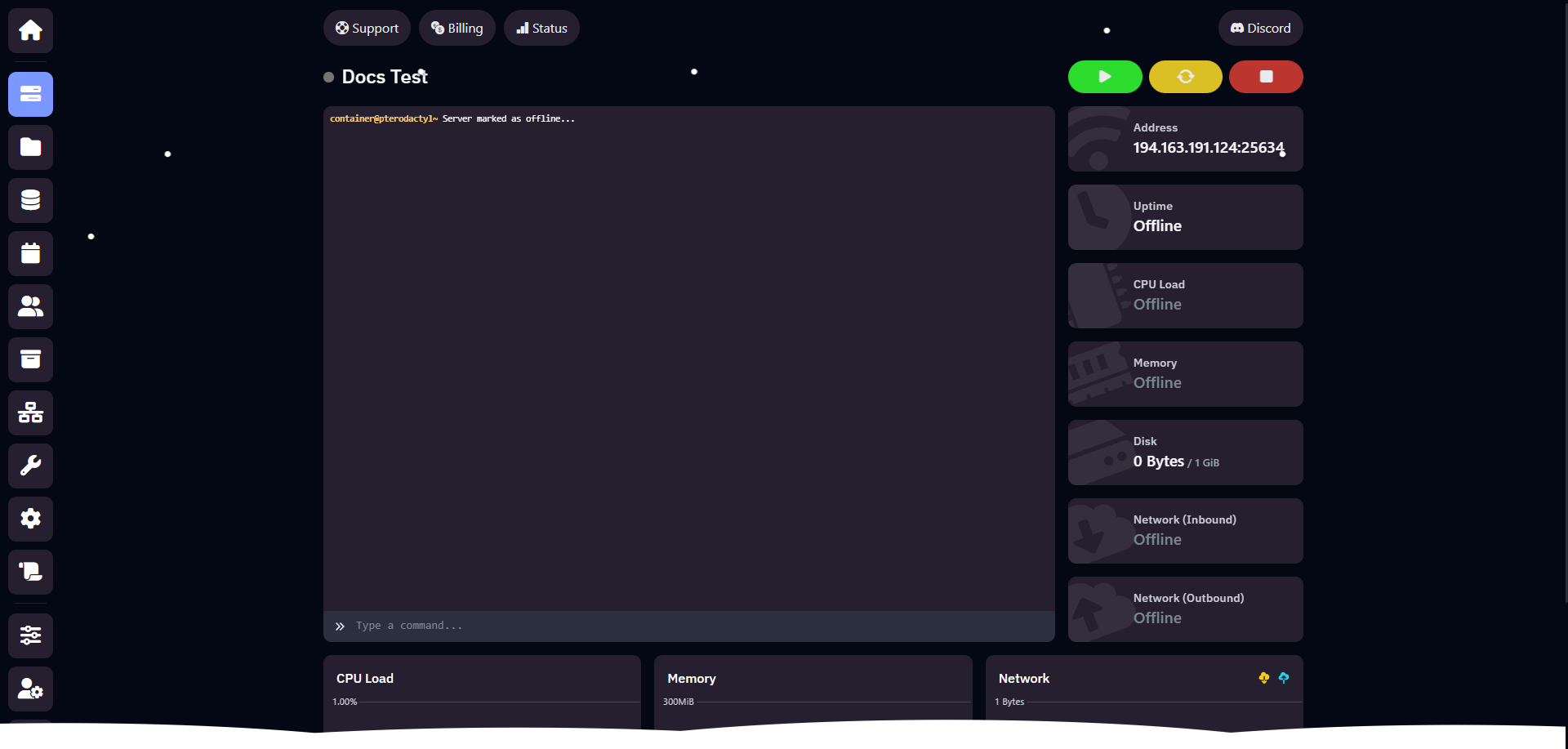
Well Done! You now have a Discord Bot Hosting package from Alfie Web Solutions. We can pre-configure your bot with a Modmail or Ticket bot. There will be an aditional charge of £2.50 if you wish this to be installed and configured. If you wish for this, pleae open a ticket. You will be able to see your bots console, you now have total control! For reference, see the image below: